HOMAXI LEARNING JOURNAL · KEVIN’S HOME
Press, speak,
and play it back.
Adding a button and microphone to the prototype—a step toward visitor voice messages.
TODAY’S PROGRESS
From a button press
to a saved recording
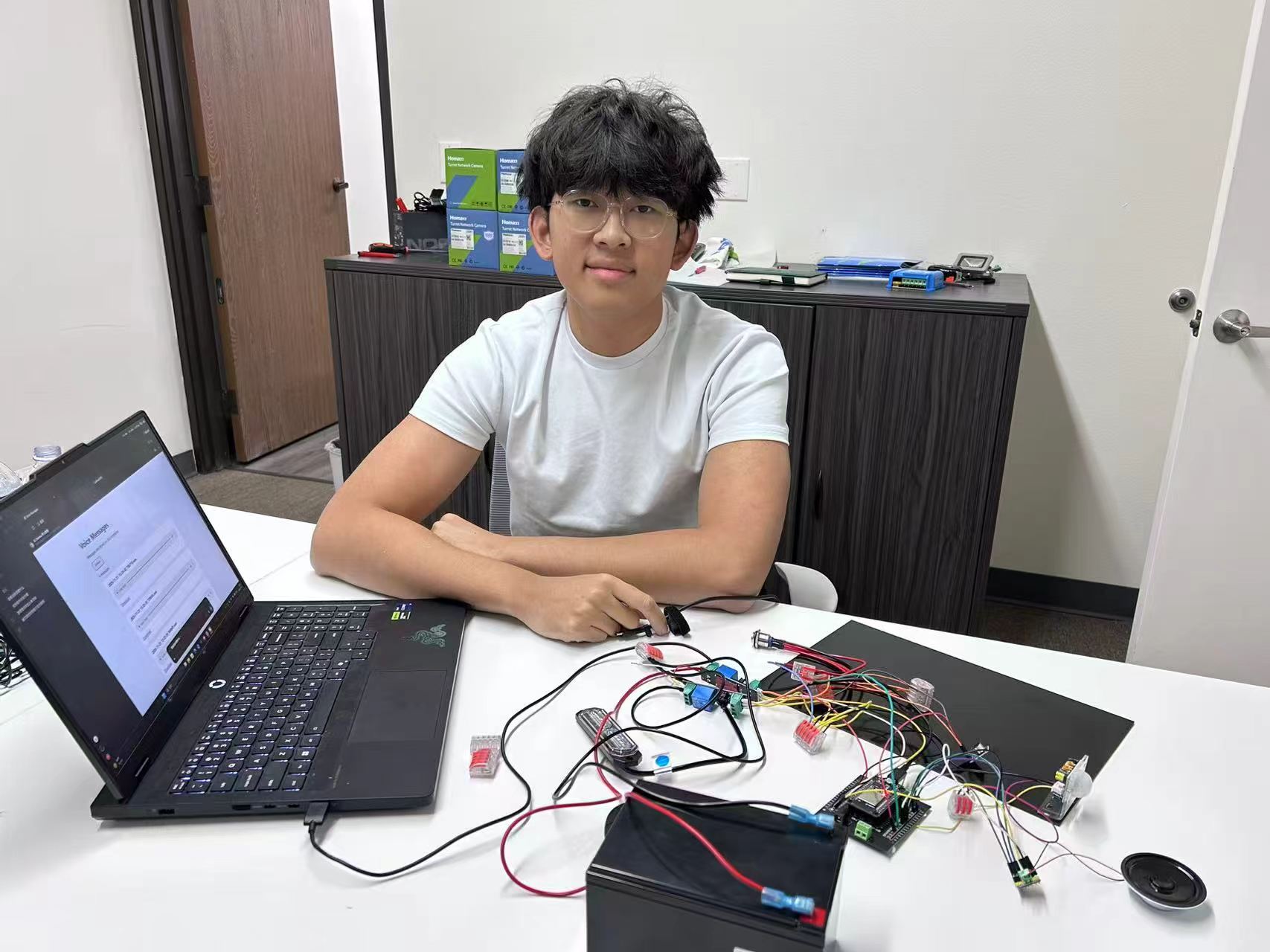
Today I completed the button and microphone part of my project. After pressing the button, I can speak into the microphone connected to the board. My speech is saved as an audio recording on the computer, where I can play it back.
This builds on the Kevin’s Home prototype, which brings together the ESP32, lighting, a motion sensor, and audio output.
Watch the demonstrationWORKING NOW
Record a message.
Listen again.
- 01 · Press the button
- The physical button starts the interaction with the recording setup.
- 02 · Speak into the microphone
- The microphone connected to the board captures the spoken message.
- 03 · Save and replay on the computer
- The audio is stored on the computer and can be played back there.
NEW COMPONENTS
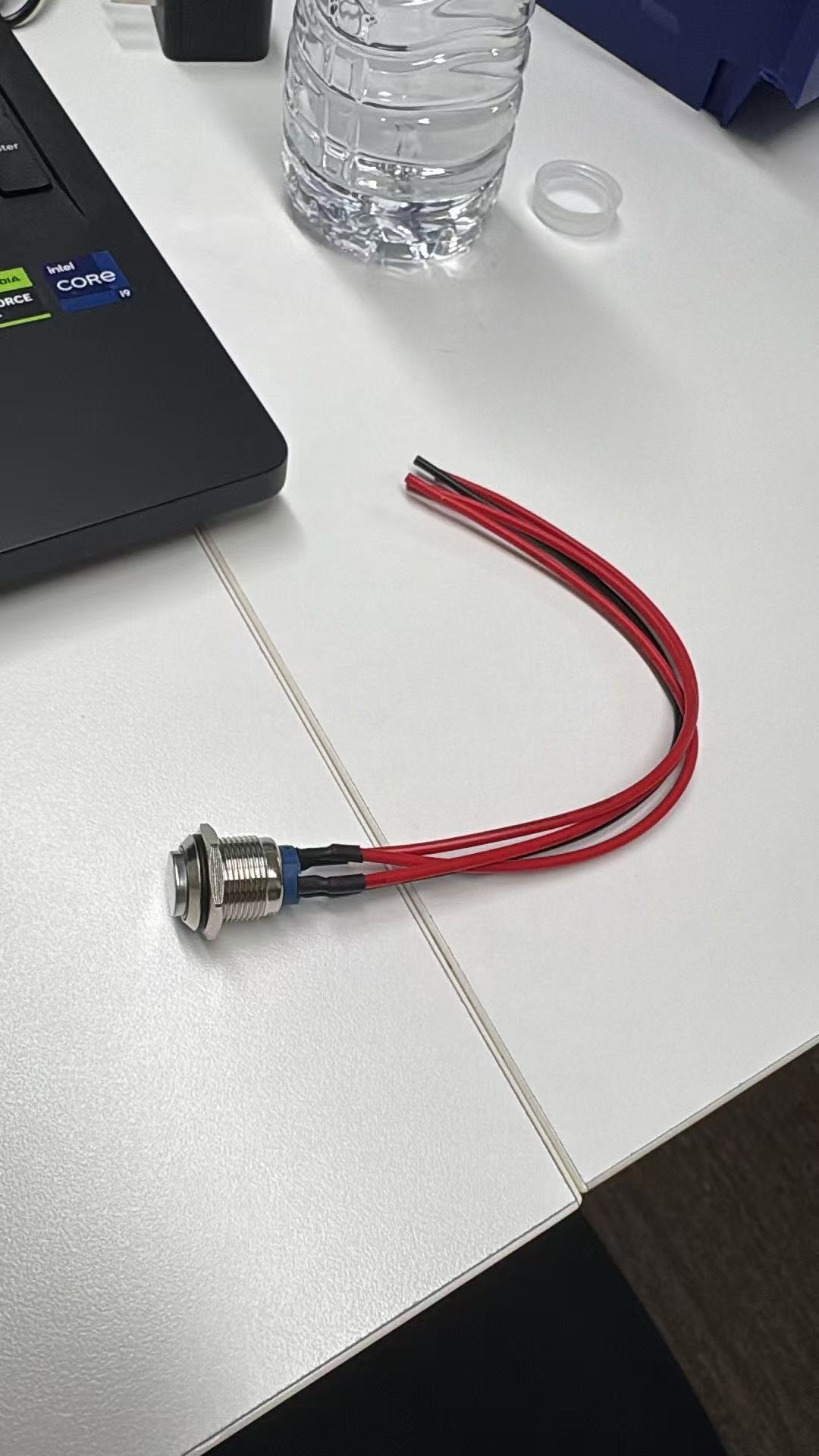
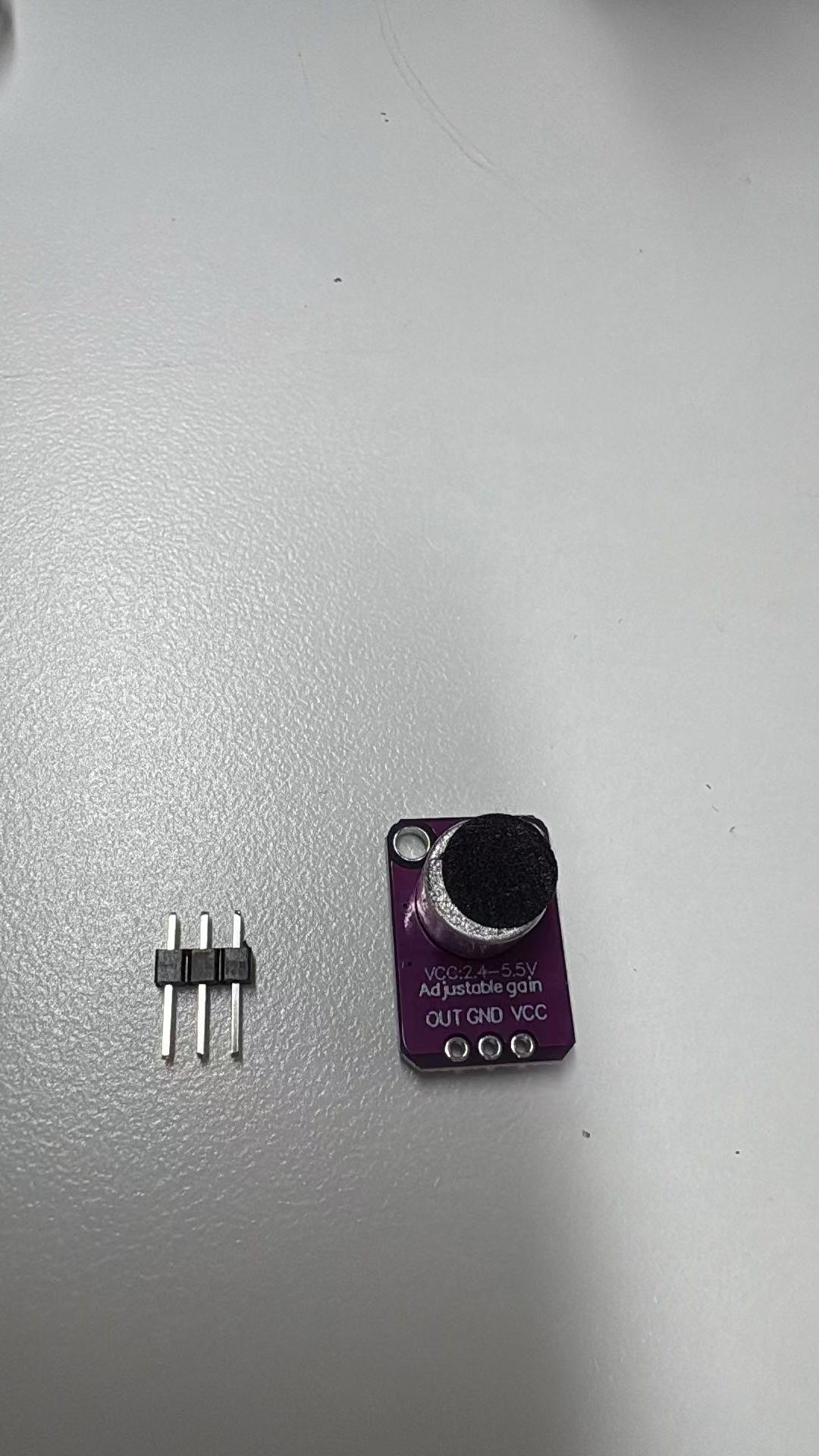
The input hardware
DEMONSTRATION
The recording setup in use
NEXT GOAL
Visitor messages at the intercom
I want visitors to be able to leave a spoken message through the intercom. When someone returns home, they would be able to replay that message on the device.
Today’s completed step is recording with the button and microphone, saving the audio on the computer, and replaying it on the computer. Playback of saved visitor messages on the device is the next goal.